

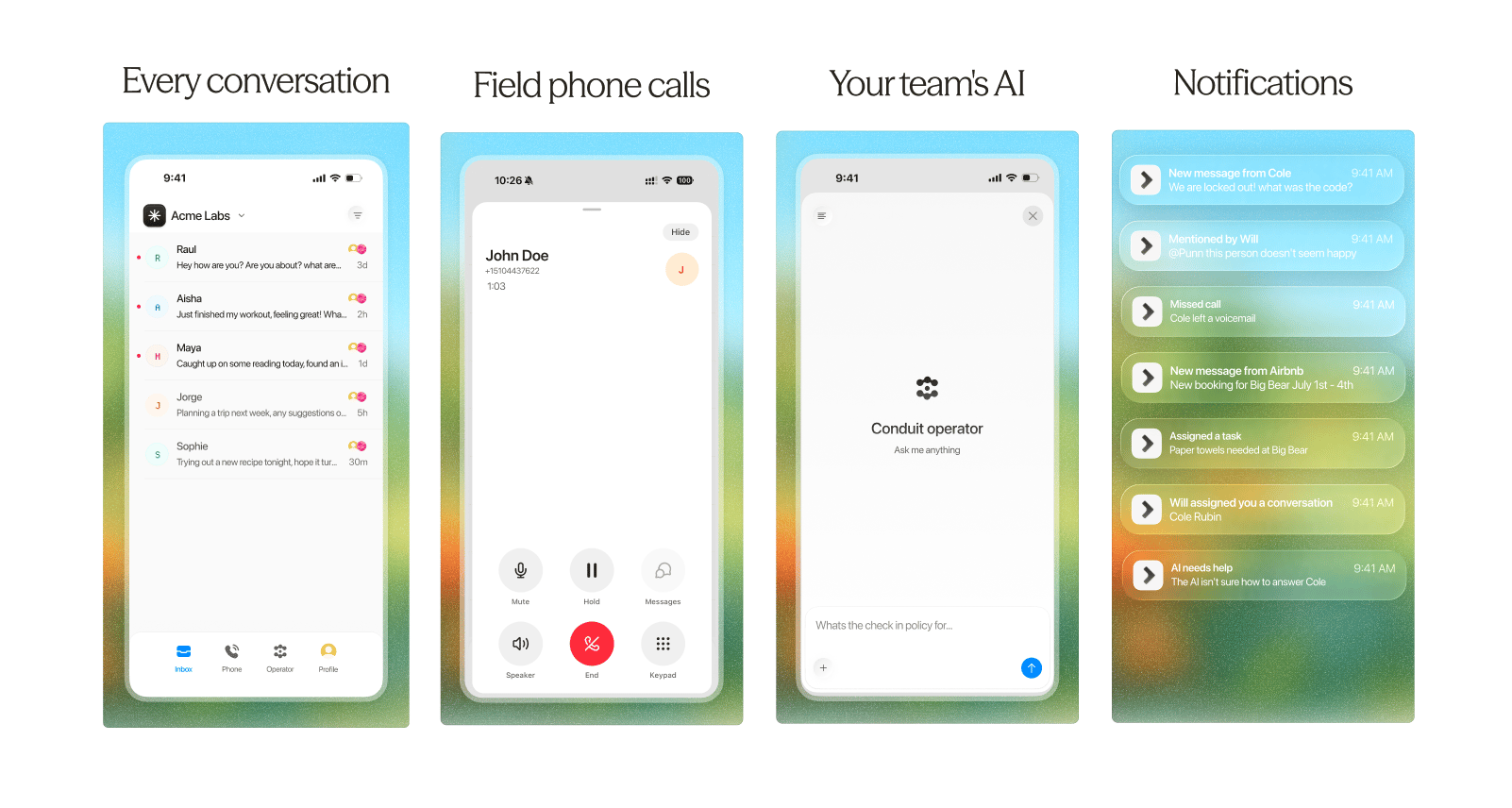
Download the app
Download for iPhone
Get Conduit Mobile from the App Store.
Download for Android
Get Conduit Mobile from Google Play.
Push notifications
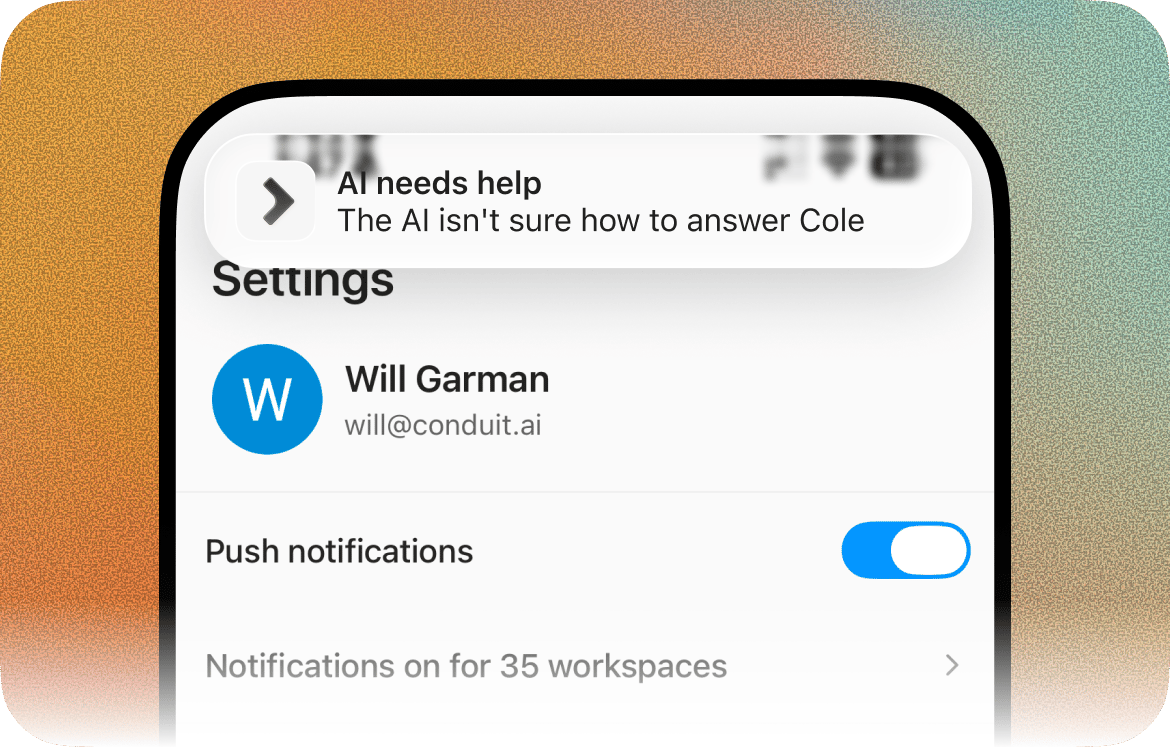
Turn them on
When you first sign in, the app asks permission to send push notifications. You can change this any time:- Open the app and go to the Profile tab.
- Toggle Push notifications on or off
Your mobile notifications mirror what you’ve already set on the web. Whatever notification types you have enabled under Settings → Notifications on web are exactly what you’ll be notified about on your phone. There’s no separate per-type setup in the app.
Mute a specific workspace
If you belong to more than one workspace, you can silence individual ones without turning everything off:- In the Profile tab, tap the Notifications on for X workspaces row (it shows how many of your workspaces have notifications on).
- In the list that opens, toggle any workspace off to stop its notifications (push, in-app, and calls) everywhere. This is the same per-workspace setting as Settings → Notifications on web, so muting here mutes it on the web too.
Phone calls
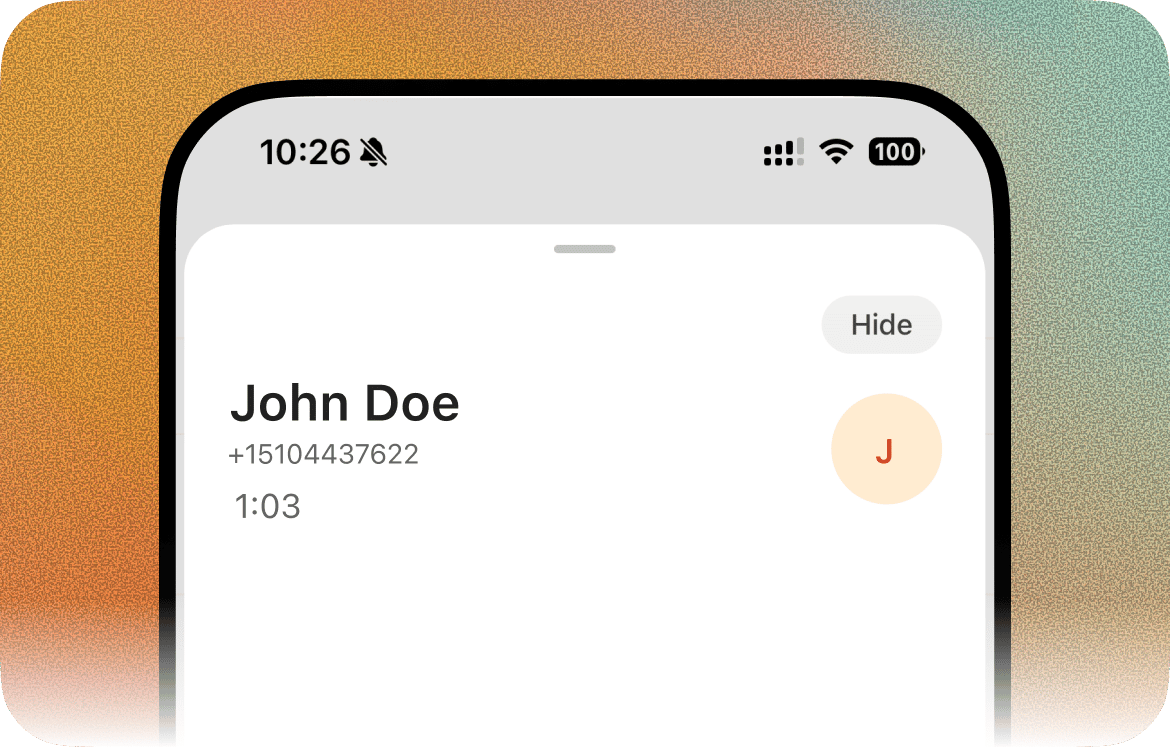
To receive calls, you must be in a call group
For calls to ring your phone through the app, your user has to be a member of a call group. If you’re not in one, calls won’t reach your device, even with the app installed and notifications on. You add yourself (or get added) to a call group on the web:- On web, go to Settings > Phone under Channels, then open Call groups.
- Open the relevant call group and add your user as a member.
Transferring a call
While on a call, tap Transfer to hand it off to a teammate or another phone number. You’ll be asked to pick between two kinds of transfer:Warm transfer
Warm transfer
Puts the caller on hold and rings the person you’re transferring to. When they pick up, you’re talking with them privately — the caller still hears hold music. Brief them on the call, then tap Complete to bridge them together and drop yourself off. If they don’t answer or you change your mind, tap Cancel transfer and the caller comes back to you.
Cold transfer
Cold transfer
Hands the caller off immediately and ends the call on your end. If the target doesn’t pick up, the caller flows to the fallback number on that Twilio line, or to voicemail if none is set. Use this when you don’t need to talk to the person you’re transferring to first.