

Shifts and location tracking are optional. Your team can work tasks without ever starting a shift. The map still shows each person’s tasks for the day, but no location or shift time.
What a shift is
A shift is the time a team member records as working. Workers start, pause, resume and end their shifts in the Conduit mobile app. While a shift is running, the app reports the worker’s location. Conduit doesn’t record locations before a shift starts, while it’s paused, or after it ends. Location points are kept for 30 days. Shifts don’t decide who gets which task. Assign tasks on the schedule or with automations. Shifts show what actually happened in the field.The map
Go to Operations > Schedule and open the Map tab. Pick a day with the arrows. You need the Manage Tasks permission to see team locations.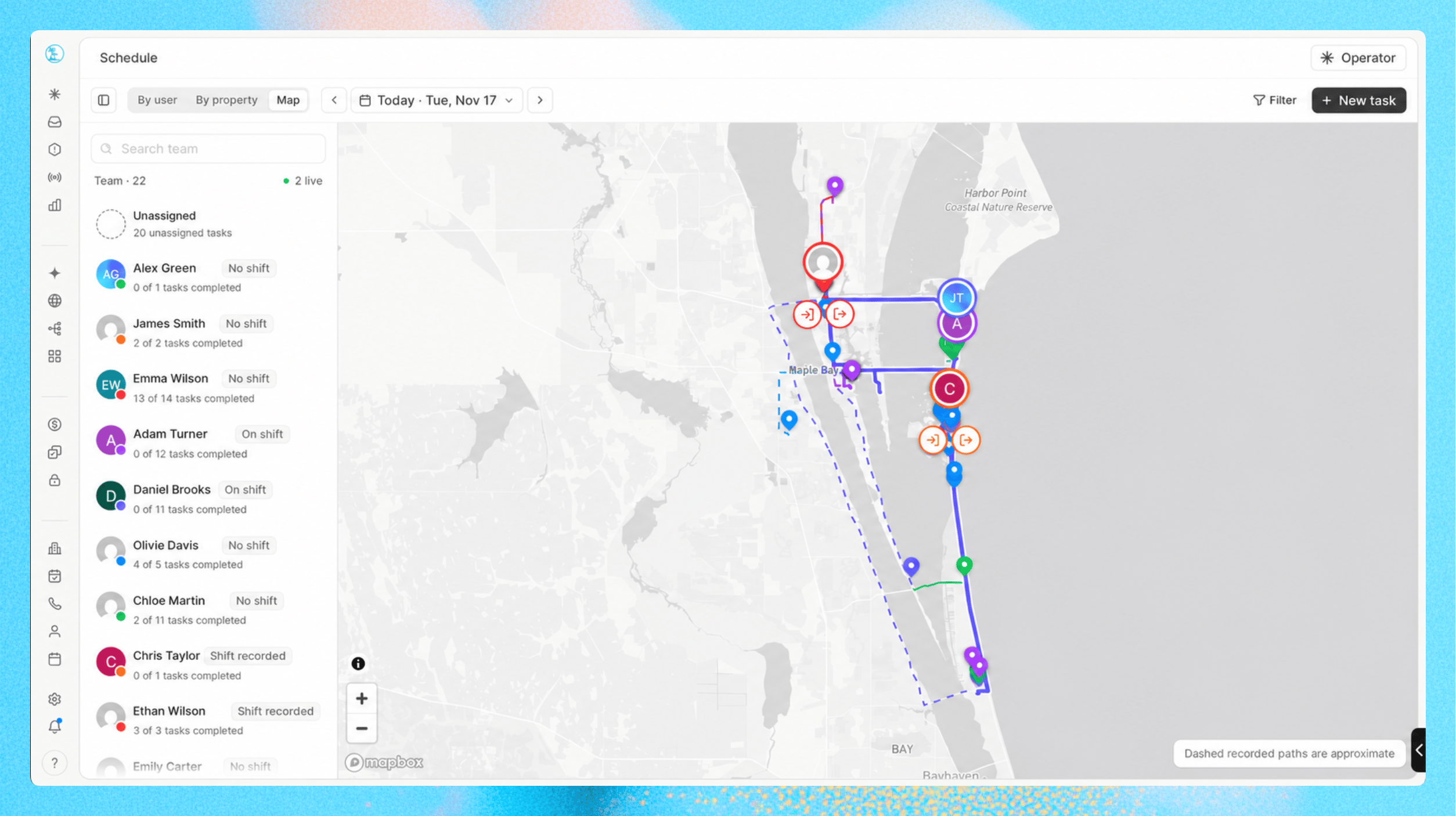
- On shift or Paused for a shift running today, Shift recorded when they worked a shift that day that isn’t running now, or No shift
- How many of their tasks are completed, such as “3 of 5 tasks completed”
One person’s day
Click a person to see their day on the map, with their planned task stops and their recorded GPS trail. Their panel shows:
Two tabs break the day down:
- Day: a timeline of when the shift started, paused, resumed and ended, and the places they stopped
- Tasks: their tasks for the day, with each task’s property